
Blog
Samsung Dishwasher LC Error Code

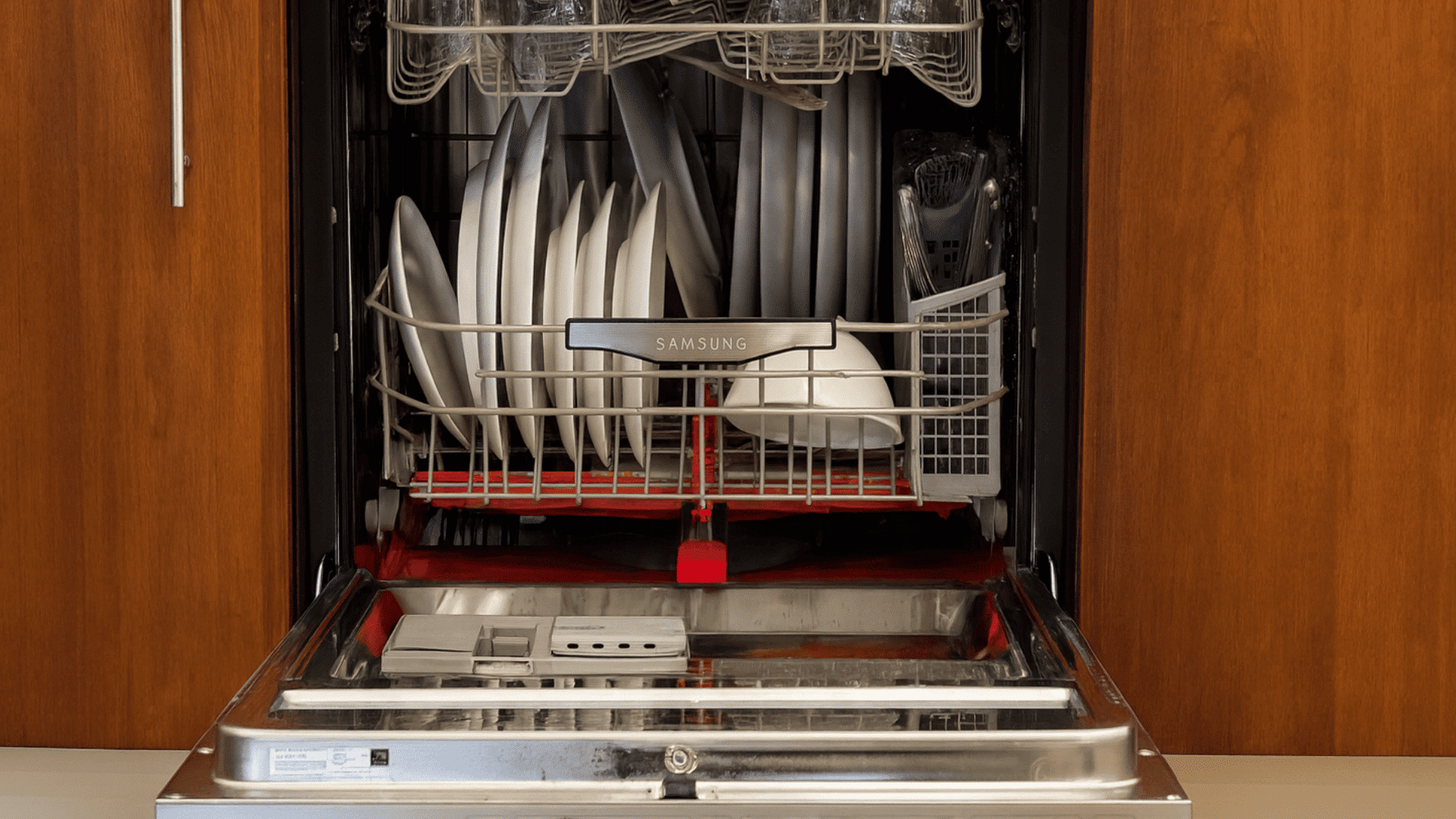
How to Fix the Samsung Dishwasher LC Error Code: A Step-by-Step Guide
Finding a flashing “LC” code on your Samsung dishwasher display can be incredibly frustrating, especially when you have a mountain of dirty dishes waiting to be cleaned. This specific error code is one of the most common issues reported by Samsung homeowners. But what does it actually mean, and can you fix it yourself without spending hundreds of dollars on a professional plumber?
In this comprehensive guide, we will break down exactly what the Samsung dishwasher LC error code is, the most common causes, and provide a detailed, step-by-step DIY repair process to get your kitchen back in order. We will also discuss the repair vs. replacement costs to help you make the best financial decision for your home.
What Does the LC Error Code Mean?
The “LC” on your Samsung dishwasher stands for Leakage Code (sometimes referred to as the 9C code in older models). It is triggered by the moisture sensor located in the base of the machine. When this sensor detects water where it shouldn’t be—specifically in the “drip tray” at the very bottom of the unit—it automatically shuts down the dishwasher and starts the drain pump to prevent a flood in your kitchen.
One unique thing about the LC code is that the drain pump will often continue to run even if you turn the power off. This is a safety feature designed to protect your flooring from water damage.
Common Causes of the LC Error Code
- Genuine Leaks: A loose hose, a cracked water inlet valve, or a faulty door seal.
- Excessive Suid/Bubbles: Using the wrong detergent or too much rinse aid can cause overflow.
- Moisture/Condensation: Sometimes, steam or high humidity can trick the sensor into thinking there is a leak.
- The “New Install” Glitch: If the dishwasher was recently moved or installed, water may have splashed onto the sensor during transit.
- Clogged Drain Line: If water can’t exit the machine properly, it can back up and trigger the sensor.
Safety First: Preparing for Repair
Before you begin troubleshooting your Samsung dishwasher, safety is paramount. Follow these three steps:
- Disconnect the Power: Unplug the unit or flip the circuit breaker. Never work on a dishwasher with the power on.
- Turn Off the Water Supply: Locate the water shut-off valve under the sink and turn it off.
- Have Towels Ready: If there is a genuine leak, water may spill when you move the unit.
Step-by-Step Troubleshooting and DIY Fixes
Method 1: The “Tilt and Dry” Trick (The Easiest Fix)
In many cases, the LC code is caused by a tiny amount of water or condensation that splashed into the drip tray. You don’t necessarily have a “broken” part; you just have a “wet” sensor.
How to do it: Carefully pull the dishwasher out from under the cabinet. Tilt the machine forward at a 45-degree angle. This allows any trapped water in the base tray to flow out onto a towel. Once the water is gone, use a hair dryer on a cool setting to dry the area around the sensor for 5-10 minutes. Plug it back in and see if the code disappears.
Method 2: Check the Drain Hose and Sink Connection
A common cause of the LC error is actually a backup from your kitchen sink or garbage disposal. If your drain hose does not have a “high loop,” dirty water from your sink can flow backward into your dishwasher base.
Ensure the drain hose is clipped high up under the countertop. Also, check the hose for any kinks or clogs. If the hose is pinched, the pump can’t remove water fast enough, leading to internal overflows that trigger the LC sensor.
Method 3: Inspect the Detergent and Rinse Aid
Are you seeing white suds inside the machine? If you accidentally used regular liquid dish soap or too much “High Efficiency” detergent, the suds can overflow into the base pan. To fix this, wipe out the suds, clear the base tray as described in Method 1, and run a “rinse only” cycle once the code is cleared.
Deep Dive: Fixing Genuine Mechanical Leaks
If the LC code returns immediately after drying the sensor, you likely have a mechanical part failure. Here are the parts to check:
1. The Water Inlet Valve
This valve controls how much water enters the machine. If it is cracked or won’t close fully, it will slowly drip into the base pan. Look for water marks or mineral deposits around the valve located at the bottom left or right of the machine.
2. The Sump Assembly and Motor Seal
Over time, the rubber seals in the sump (the area where the water drains inside the tub) can degrade. If you see water dripping directly from the center of the dishwasher’s underside, the sump seal likely needs replacement.
3. The Door Gasket
Inspect the rubber seal around the door. If it is torn or has food debris stuck in it, water can trickle down the front of the machine and slide directly into the bottom tray, triggering the LC code.
Samsung Dishwasher Repair Costs vs. Replacement
When dealing with an LC error, you must decide if it is worth fixing. Below is a breakdown of estimated costs:
| Repair Type | Estimated Part Cost | Professional Labor Cost |
|---|---|---|
| Sensor Drying/Cleaning | $0 (DIY) | $150 – $250 |
| Water Inlet Valve Replacement | $30 – $60 | $200 – $350 |
| Drain Hose Replacement | $20 – $40 | $150 – $250 |
| Sump Assembly Repair | $100 – $200 | $300 – $500 |
As a general rule, if your Samsung dishwasher is more than 8 years old and the repair cost exceeds $400, it is often more cost-effective to purchase a new unit. Modern units are more energy-efficient and often come with better leak-detection technology.
How to Prevent the LC Code in the Future
Maintenance is the key to avoiding the LC error. Follow these pro tips:
- Clean the Filter Weekly: A clogged filter causes water to back up, increasing pressure on the seals.
- Use the Right Pods: Only use high-quality dishwasher tablets (like Finish or Cascade Platinum) and avoid adding extra liquid soap.
- Check the Door Seal: Every few months, wipe the rubber gasket with a damp cloth to remove buildup.
- Monitor Your Garbage Disposal: Always run your disposal before starting the dishwasher to ensure the drain path is clear.
Frequently Asked Questions (FAQ)
Can I bypass the LC error code?
No. The LC code is a hardware safety trigger. Until the sensor is dry and no longer detects water, the machine will remain in safety mode to prevent flooding. You must resolve the moisture issue to clear the code.
How do I hard reset my Samsung dishwasher?
To perform a hard reset, disconnect the power at the breaker for at least 10 minutes. This allows the control board to discharge. However, if the sensor is still wet, the LC code will return immediately upon power-up.
Why is my drain pump running even when the dishwasher is off?
This is the “Flood Protection” mode. The dishwasher thinks it is overflowing and is trying to save your kitchen floors. It will continue to run until the leak sensor is dry or the unit is unplugged.
Conclusion
The Samsung dishwasher LC error code doesn’t always mean you need a new appliance. In fact, about 70% of the time, it is caused by simple moisture or over-sudsing that can be fixed with the “Tilt and Dry” method. By following the steps outlined in this guide, you can save yourself a costly service call and get your appliance back to peak performance.
If you have tried all the DIY steps and the code persists, it may be time to consult a professional or look into the latest Samsung models for a replacement. Remember, keeping your filters clean and using the correct detergent are the best ways to ensure your dishwasher stays leak-free for years to come.