
Blog
How to Reset and Troubleshoot a Tripped Circuit Breaker

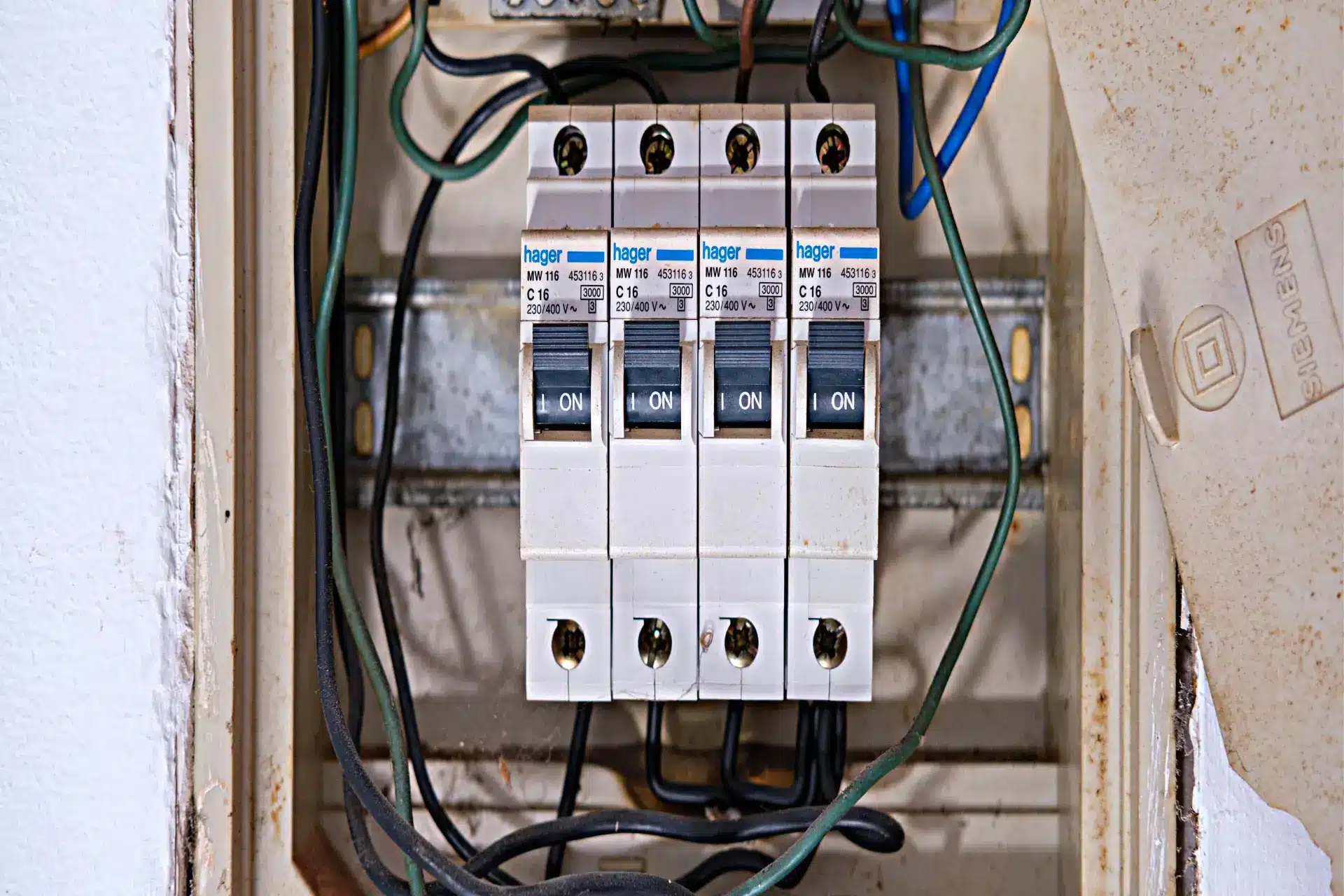
How to Reset and Troubleshoot a Tripped Circuit Breaker (Step-by-Step Guide)
Circuit breakers are essential safety devices in every home, designed to prevent electrical overloads and reduce the risk of fire. Sometimes, however, a breaker may trip unexpectedly, cutting power to part of your home and causing inconvenience. Understanding why a breaker trips and how to safely reset it is crucial for any homeowner.
In most cases, resetting a tripped breaker is simple, but repeated trips may indicate a larger electrical problem. This guide will walk you through how to safely reset a circuit breaker and troubleshoot the underlying cause.
What Causes a Circuit Breaker to Trip?
A circuit breaker trips when it detects a fault or overload in the electrical circuit. Common causes include:
- Overloaded circuits: Too many devices drawing power simultaneously.
- Short circuits: When a hot wire touches a neutral or ground wire.
- Ground faults: When electricity flows through an unintended path to the ground.
- Faulty appliances: Devices with damaged cords or motors can trigger a breaker.
- Old or faulty breakers: Worn breakers may trip unnecessarily.
Identifying the cause is important to prevent repeated trips or electrical hazards.
Tools and Materials You May Need
Most breaker resets require no special tools, but having the following can be helpful:
- Flashlight
- Screwdriver (if removing panel cover)
- Voltage tester
- Replacement circuit breaker (if needed)
- Notebook or smartphone (to note affected circuits)
Step 1: Identify the Tripped Breaker
Locate your home’s electrical panel. Open the panel door and look for a breaker in the “off” or neutral position, or one that is positioned between “on” and “off.”
Tripped breakers often have a small indicator window that shows red or orange. Identify the circuit associated with the tripped breaker; it usually powers the lights, outlets, or appliances that stopped working.
Step 2: Turn Off Devices on the Circuit
Before resetting the breaker, turn off or unplug all devices and appliances connected to that circuit. This prevents an immediate overload when the breaker is reset.
Examples of devices to unplug:
- Space heaters
- Microwaves
- Air conditioners
- Computers or TVs
- Lamps
Step 3: Reset the Breaker
To reset the breaker, follow these steps:
- Push the breaker fully to the “off” position.
- Then push it firmly to the “on” position.
You should hear a small click when the breaker is reset. Check the circuit to see if power is restored.
Step 4: Test the Circuit
Plug in or turn on devices one at a time. If the breaker trips immediately, there may be a short circuit, ground fault, or faulty appliance causing the problem.
Testing devices individually helps identify which item may be causing the overload or short.
Step 5: Inspect for Overloads
If multiple high-power devices were connected to the same circuit, the breaker may have tripped due to overload. Reduce the number of devices on that circuit or move some to another circuit to prevent future trips.
Step 6: Check for Faulty Appliances
Plug appliances back into the circuit one at a time. If the breaker trips after connecting a specific appliance, that device may be faulty and require repair or replacement.
Step 7: Inspect for Wiring Problems
Frequent breaker trips may indicate a loose connection, damaged wiring, or other electrical issues. Check outlets, switches, and visible wiring for signs of burning, discoloration, or damage.
If you suspect wiring problems, do not attempt DIY repairs unless you are experienced. Contact a licensed electrician to inspect and repair the circuit safely.
Step 8: Replace a Faulty Circuit Breaker
If the breaker trips frequently without any apparent cause, the breaker itself may be worn or defective. Replacing a breaker is more advanced and requires caution:
- Turn off the main breaker before removing any breaker from the panel.
- Carefully remove the faulty breaker and install a new one of the same amperage rating.
- If unsure, always contact a licensed electrician.
Tips to Prevent Future Breaker Trips
- Do not overload circuits—spread appliances across multiple circuits.
- Upgrade older breakers if they are prone to tripping.
- Inspect appliances and cords regularly for damage.
- Consider adding dedicated circuits for high-power devices like air conditioners or heaters.
- Ensure all wiring meets current electrical codes.
When to Call a Professional
While resetting a breaker is simple, repeated trips or signs of electrical faults require professional attention. Contact an electrician if:
- The breaker trips repeatedly after resetting.
- Multiple breakers trip simultaneously.
- You notice sparks, burning smells, or scorch marks.
- Wiring or outlets appear damaged.
Professional inspection ensures safety and prevents fire hazards.
Final Thoughts
Resetting a tripped circuit breaker is a straightforward way to restore power, but it is essential to understand the cause of the trip to avoid recurring problems. Overloads, faulty appliances, and wiring issues are the most common triggers.
By following safe troubleshooting steps, most homeowners can identify and resolve the problem quickly. However, always prioritize safety and consult a professional for complex electrical issues. Reliable services like HandyMaldives can provide assistance for electrical repairs, inspections, and maintenance.